Keep your hands on the keyboard.
Move between notes, tabs, search, and actions without reaching for the mouse.
Keep notes, drafts, and passing ideas in one workspace. Search, shortcuts, and an AI assistant are there when you need them.
Local-first notes Markdown Web and desktop
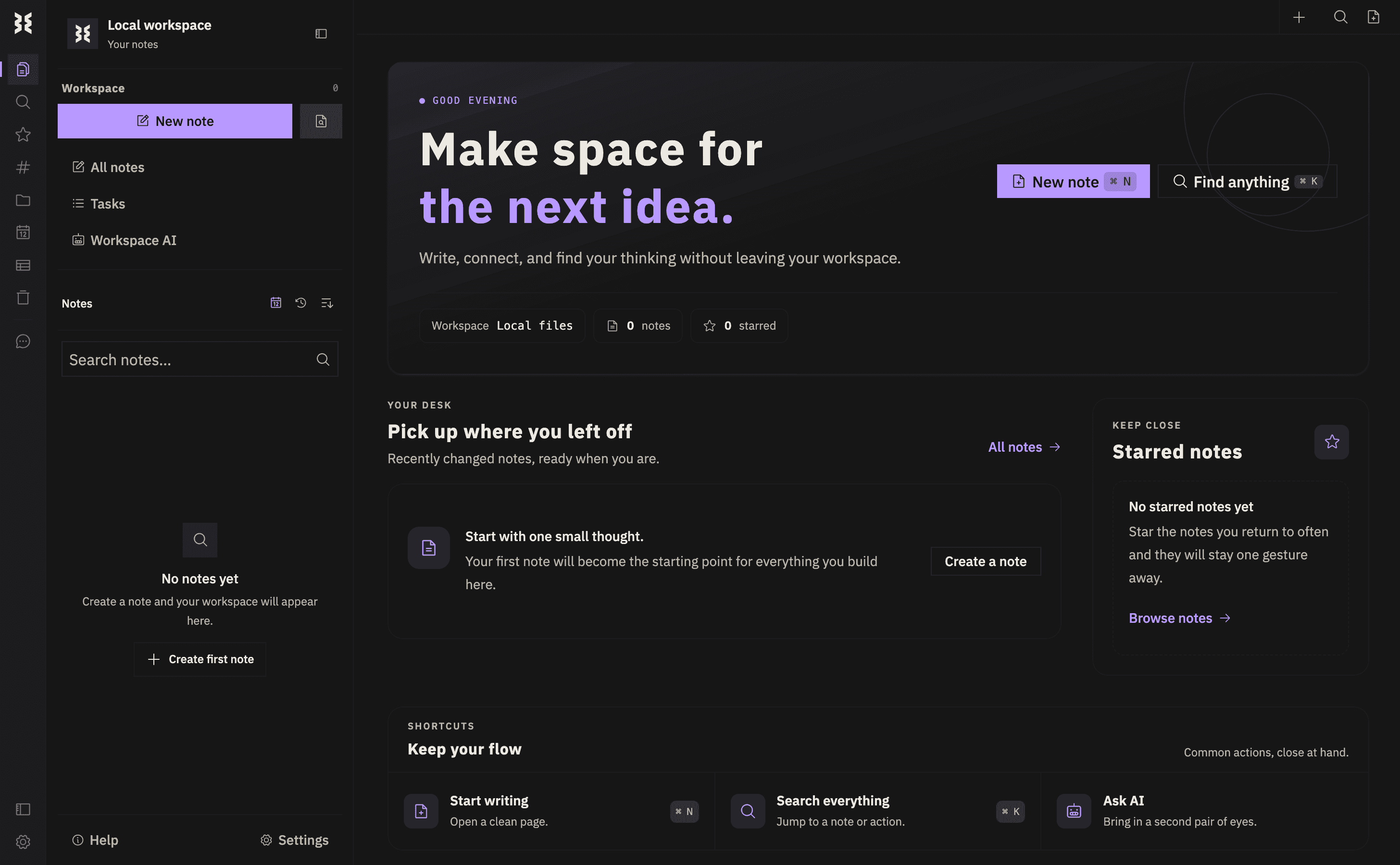
Capture a thought before it is finished. Keep notes, drafts, links, and tasks together, then return when you need them.
Move between notes, tabs, search, and actions without reaching for the mouse.
Ask the AI assistant for structure, a summary, or a way forward without switching away.
Keep daily notes, project ideas, snippets, tasks, and drafts together.
Turn an article into a clean note and pick it up when you have the time.
Adjust themes, templates, panels, folders, shortcuts, and editor size.
Choose filesystem or database storage, and keep your writing in formats you control.
Write Me is local-first, with filesystem and database-backed storage and notes in formats you can control. When you use the AI assistant, requests go to the provider you've configured.
Read the source on GitHubDesktop installers · v1.1.0
Open the web app now, or choose a desktop build for your system.
Open web appWindows · x64
Apple Silicon · ARM64
Linux · x64
The macOS build is Apple Silicon only and unsigned. Read the v1.1.0 changelog for this version's changes, or visit the release page for first-launch instructions and desktop assets.